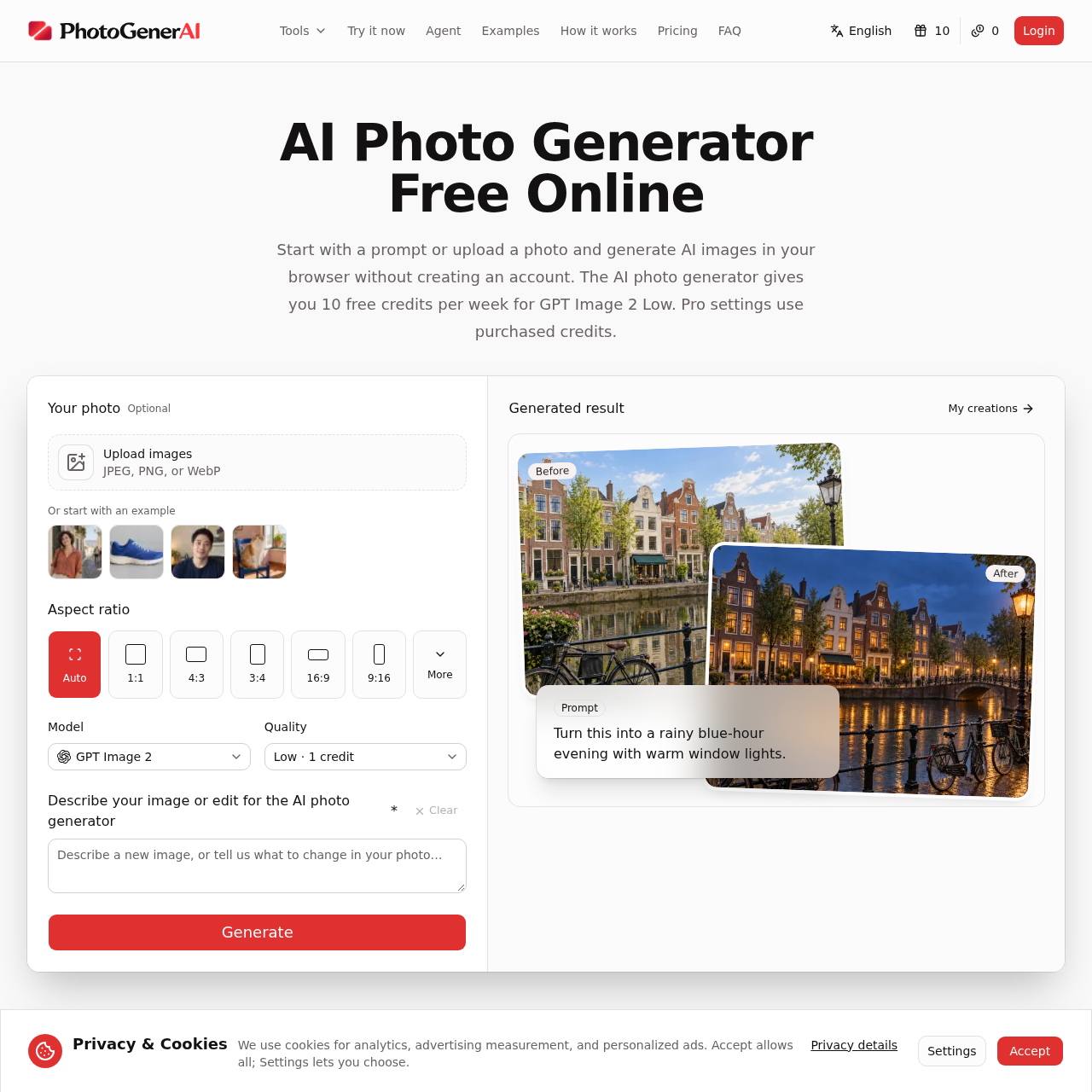
PhotoGenerAI's overview
PhotoGenerAI is an AI photo generator designed for creatives, allowing them to edit and create photos online without requiring an account. It supports a wide range of use cases, from portraits and product scenes to illustrations and everyday photo edits.
What You Can Do With PhotoGenerAI
- Create Custom Scenes — Generate new images from text descriptions or edit uploaded photos to fit specific ideas or styles, such as changing backgrounds or refining lighting.
- Edit Existing Photos — Upload images and describe the changes wanted, such as adding or removing elements, adjusting lighting, or changing the setting.
- Explore Different Styles — Use the AI photo generator to try out various visual styles, including watercolor, ink wash, or oil painting, on portraits, pets, objects, or landscapes.
- Refine Images — Improve the light, color, and clarity of photos, making them more suitable for use in projects, social posts, or personal albums.
- Combine Elements — Bring subjects, objects, and settings from separate images into a new composition, useful for creating mood boards, product concepts, or creative portraits.
- Preview Designs — See artwork or designs on real products, such as canvas tote bags, or in different settings before finalizing them.
PhotoGenerAI's Key Features
🔥 Photo Editing
⚡️ Image Generation
✨ Background Change
🚀 Style Transfer
PhotoGenerAI's FAQ
What can I create with the AI Photo Generator from PhotoGenerAI?
The AI photo generator creates a new image from a text description or edits a photo you upload, supporting portraits, product scenes, illustrations, backgrounds, style changes and everyday photo edits.
How do I use the AI photo generator to edit my photos?
To use the AI photo generator, describe something new or upload an image you want to edit, tell the AI photo generator the details or changes you want, and see the result, adjust your prompt and download the version you like.
Are there any limitations to using the AI Photo Generator?
The AI photo generator gives you 10 free credits per week for GPT Image 2 Low, and pro settings use purchased credits.