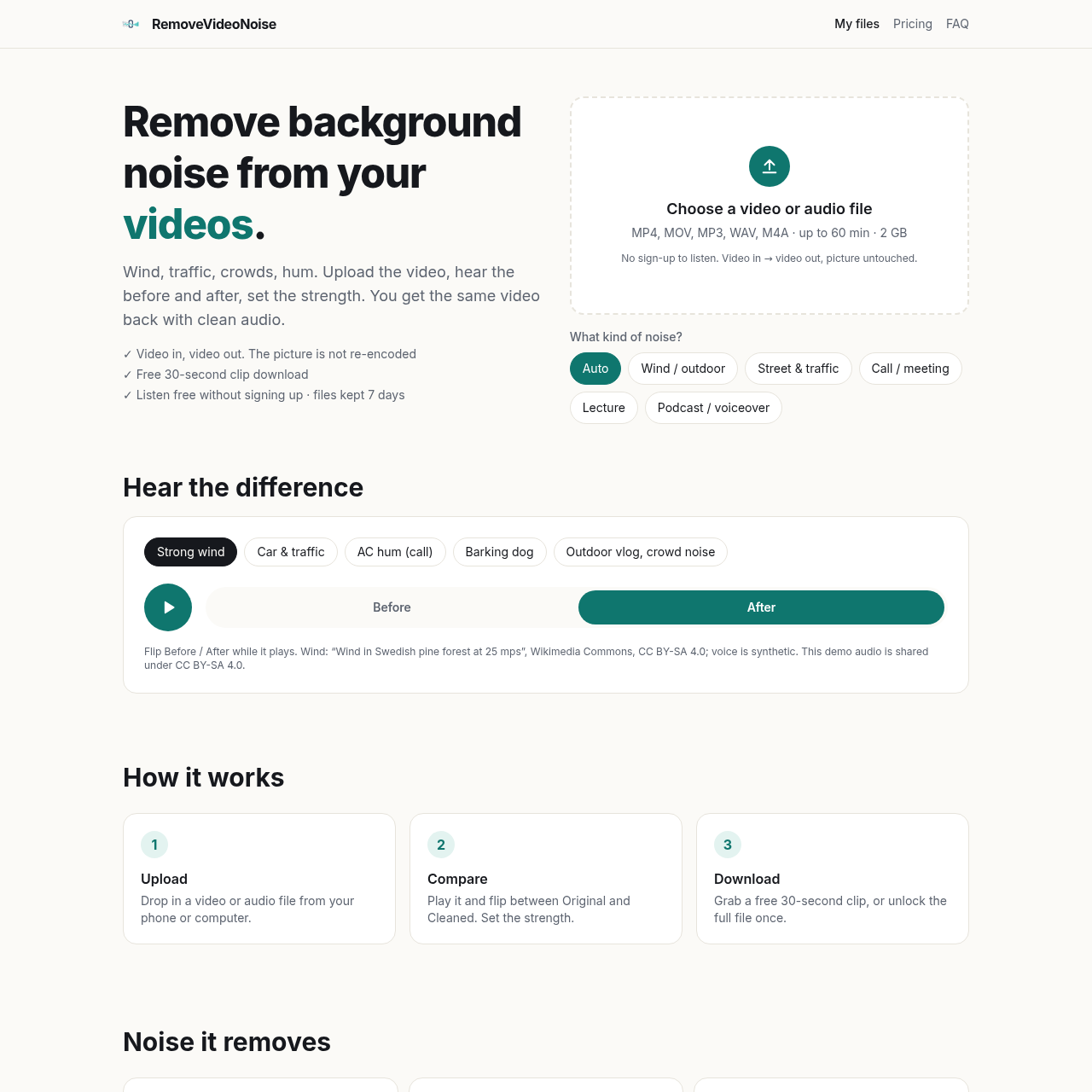
RemoveVideoNoise's overview
RemoveVideoNoise is a tool designed for creators to remove background noise from their videos and audio files. It utilizes AI technology to eliminate unwanted sounds, allowing users to focus on the main audio content.
What You Can Do With RemoveVideoNoise
- Remove Wind Noise — eliminate wind sounds from videos and audio files using the Wind / outdoor preset, with the option to adjust the strength of the noise removal to achieve a more natural sound, and download a free 30-second clip to preview the result before purchasing the full file removal, with files kept for 7 days and then automatically deleted to ensure user privacy and security.
- Eliminate Traffic Noise — remove traffic sounds from videos and audio files, preserving the main voice and audio content, with support for file formats such as MP4, MOV, MP3, WAV, and M4A, and file sizes up to 60 minutes and 2 GB.
- Reduce Crowd Noise — minimize crowd sounds from videos and audio files, ideal for lecture, podcast, and voiceover recordings, with the ability to compare the original and cleaned audio in real-time and adjust the noise removal strength accordingly.
- Preserve Original Video Quality — maintain the original video quality, as the tool only processes the audio and does not re-encode the video, ensuring that the visual content remains unchanged and intact.
- Adjust Noise Removal Strength — control the strength of noise removal to achieve the desired level of audio clarity, with the option to move the strength slider down to retain some room sound and achieve a more natural voice sound, particularly useful for wind and outdoor recordings.
RemoveVideoNoise's Key Features
🔥 Noise Removal Strength Control
⚡️ Free 30 Second Clip Download
✨ Auto Noise Detection Presets
🚀 Video Audio Sync Preservation
RemoveVideoNoise's FAQ
What is RemoveVideoNoise used for?
RemoveVideoNoise is used to remove background noise from video and audio online with AI, including wind, traffic, crowds, hum, and other noises.
Can I upload a video directly to RemoveVideoNoise?
Yes, you can upload a video directly to RemoveVideoNoise, and it supports MP4, MOV, WebM, and MKV file formats.
How much does RemoveVideoNoise cost to use?
RemoveVideoNoise offers a free 30-second clip download, and the full file costs $2.00 per file, up to 60 minutes each, with discounts available for bulk purchases.
What happens to my files after I upload them to RemoveVideoNoise?
Your files are kept for 7 days, during which you can come back to them, and then they are deleted automatically, or you can delete them yourself at any time from the result page.
Does RemoveVideoNoise require an account to use?
No, you do not need an account to try RemoveVideoNoise, but payment is a one-time checkout through Waffo, which handles receipts, taxes, and refunds.