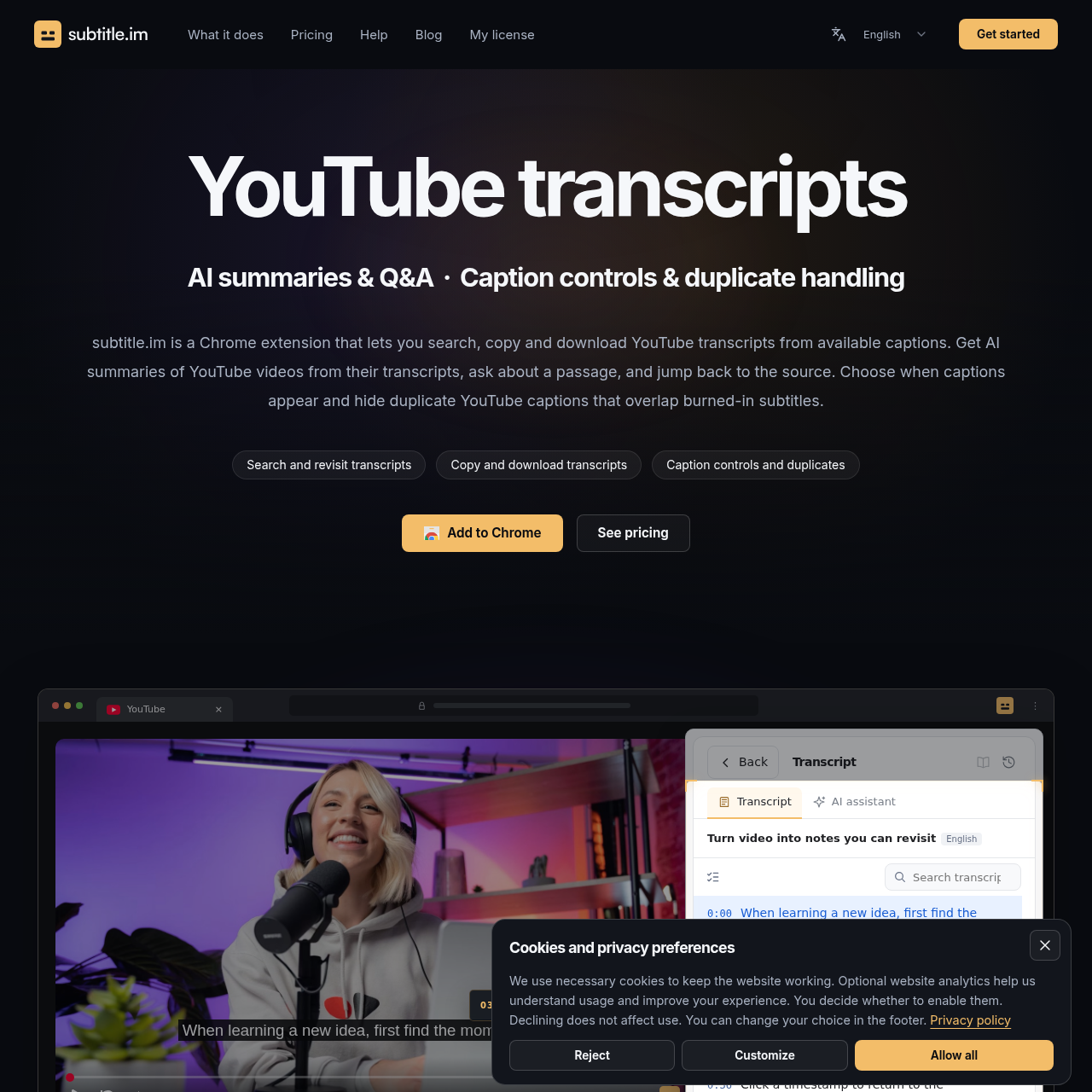
subtitle.im's overview
Subtitle.im is a Chrome extension designed for learners and researchers who want to make the most out of YouTube videos. It provides a range of features to enhance the viewing experience and facilitate learning.
What You Can Do With subtitle.im
- Search and Copy Transcripts — Search YouTube transcripts by keyword and copy the whole transcript or a selection for further reference or study notes.
- Control YouTube Captions — Set up automatic YouTube caption control, turn available captions on or off, and follow YouTube’s settings or your own preferences.
- Handle Duplicate Subtitles — Detect and handle duplicate subtitles when the player captions overlap text already in the video, with options to turn off the switchable captions, ask first, or keep them.
- Get AI Summaries — Turn YouTube transcripts into AI summaries, key points or study notes, and select a passage to ask about it, then follow the timestamps to check the answer against the original video.
- Customize Caption Settings — Choose a global caption mode, add channel or video rules, and set preferences at every level, down to a single video, with priority given to manual changes for the current viewing.
subtitle.im's Key Features
🔥 Transcript Search Copy Download Control Duplicate Subtitles Handling Automatic Caption Control YouTube Transcript Summarization
subtitle.im's FAQ
What is subtitle.im and what does it do?
subtitle.im is a Chrome extension that lets you search, copy and download YouTube transcripts, get AI summaries from captions, control YouTube captions, and handle duplicate subtitles.
How does subtitle.im handle duplicate subtitles on YouTube?
subtitle.im handles switchable captions controlled by YouTube’s CC button and keeps subtitles embedded in the video image, following your duplicate caption setting to turn off the switchable captions, ask first, or keep them.
Can I use subtitle.im to automatically turn on or off YouTube captions for every video?
Yes, you can choose “Auto open” or “Auto close” in Caption control, with Auto open requiring an available caption track, or choose “Follow YouTube” to leave the toggle alone while still handling duplicate captions.
What is the pricing model for subtitle.im?
subtitle.im offers a one-time purchase with 1,800 AI credits included, and no automatic renewal, with credits never expiring.