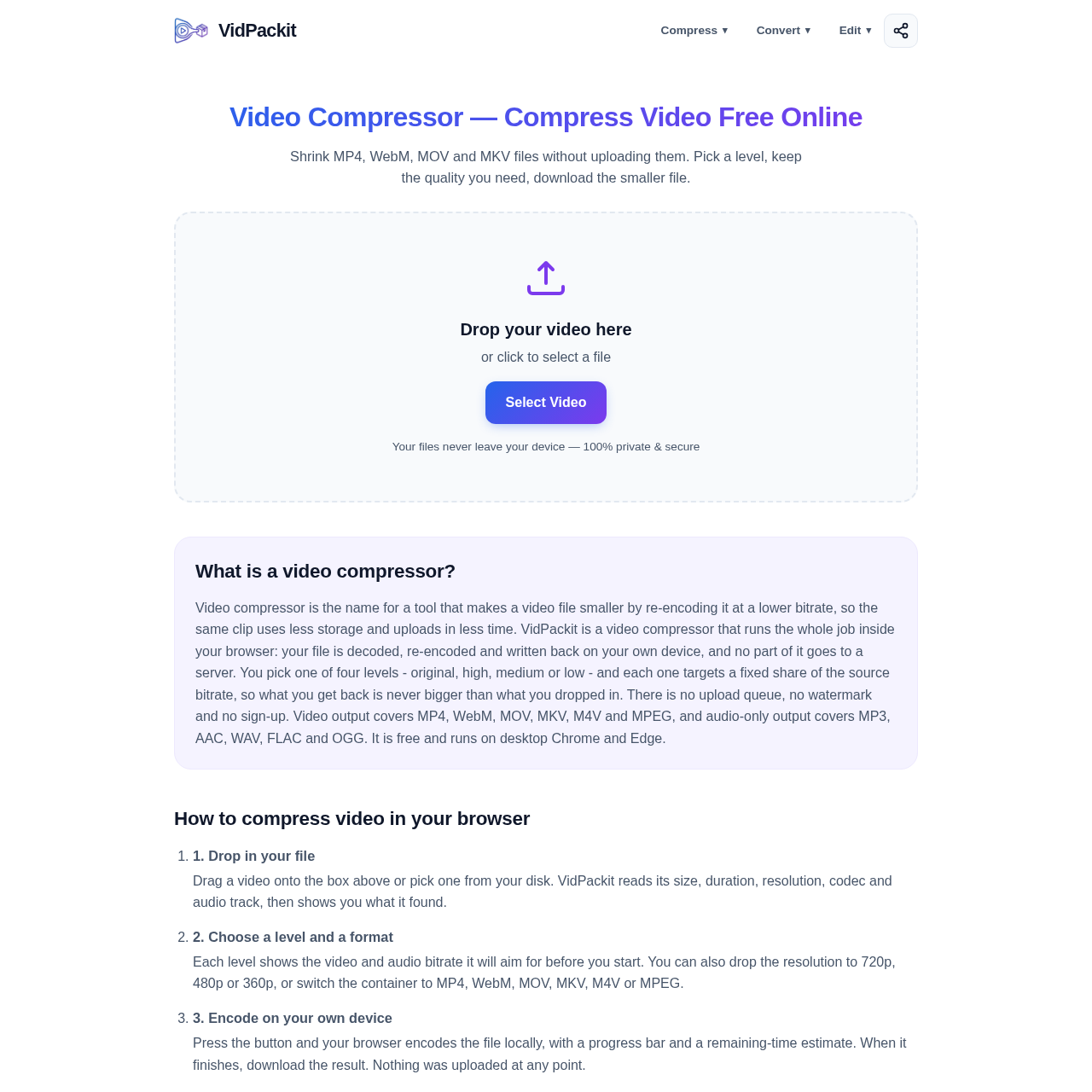
Video Compressor — VidPackit's overview
Video Compressor — VidPackit is a video editing tool designed for individuals who need to compress videos online. It allows users to reduce the size of their video files without sacrificing too much quality.
What You Can Do With Video Compressor — VidPackit
- Compress Videos — Reduce the size of video files by re-encoding them at a lower bitrate, making them easier to store and upload.
- Choose Compression Levels — Select from four compression levels - Original, High, Medium, and Low - each targeting a specific percentage of the source bitrate.
- Convert Video Formats — Convert videos between different formats, including MP4, WebM, MOV, MKV, M4V, and MPEG, without uploading the files.
- Extract Audio — Extract the audio from a video file and save it as a separate file in formats like MP3, AAC, WAV, FLAC, or OGG.
- Downscale Resolution — Downscale the resolution of a video to 720p, 480p, or 360p, depending on the user's needs.
- Ensure Privacy and Security — Compress videos locally within the browser, without uploading the files to any server, ensuring 100% privacy and security.
Video Compressor — VidPackit's Key Features
🔥 Client Side Compression
⚡️ Multi Format Support
✨ Adjustable Bitrate
🚀 Local File Processing
Video Compressor — VidPackit's FAQ
What is VidPackit and what does it do?
VidPackit is a video compressor that runs in your browser, allowing you to compress video files without uploading them, and supports various output formats including MP4, WebM, MOV, and MKV.
Does VidPackit upload my videos anywhere?
No, VidPackit does not upload your videos anywhere, as the encoding process runs in your browser and the file never leaves your device.
Is VidPackit free to use and are there any limitations?
Yes, VidPackit is free to use with no account, no payment step, no daily limit, and no watermark on the output, but the tool's performance may be limited by your device's memory.
What browsers are supported by VidPackit?
VidPackit is supported by desktop Chrome and Edge, which have complete WebCodecs support, while other browsers may show a warning and have limited functionality.